Software
KMG DocDeposit
DocDeposit takes in documents from several sources, indexes them automatically with metadata and full text, and stores them in S3-compatible object storage. They are found again through search, labels or guided filters.
Storing is easy. Finding again is the work.
Interface
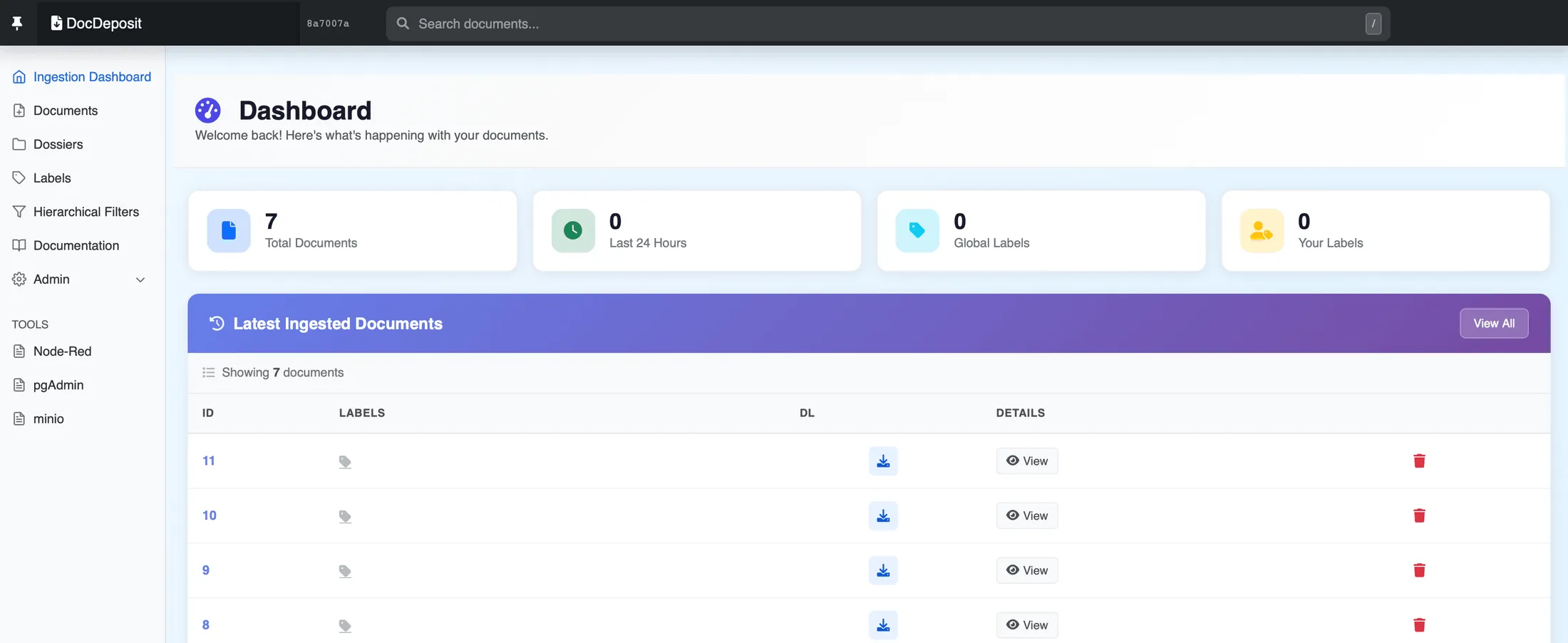
Overview
The collection grows faster than anyone can keep it in order
Documents accumulate in file shares, mailboxes and paper folders. While there are few of them, somebody knows where things are. As the volume grows, that stops working: finding takes longer, and at some point nobody can say for certain whether a document still exists at all. The cost comes less from the number of documents than from the number of places one of them could be.
Several ways in, one search out
Documents come in through the browser, a phone camera, watched directories or the REST interface. On arrival each document is given immutable base data (file name, type, checksum, timestamp and source) and goes into the search index. The file itself is stored as an object in S3 storage, which other software can read as well.
Features
Search across the whole collection
You can search by free text, in individual attributes, by label or by whether an attribute is present at all, and combine these freely. The API also returns facets: every value an attribute takes, with hit counts. The index can be rebuilt while the system stays up.
Automated intake
Intake jobs read whole directories: images and PDFs with an accompanying metadata file, XML deliveries, prepared bundles. They are configured, started and watched in the administration interface, which shows worker status, heartbeats and a log view.
Guided browsing
Not every search starts with a search term. For recurring routes, administrators define hierarchical filters: a chain of queries users click through step by step. Each step shows the values that actually occur, with their hit counts.
Organisation-wide and personal labels
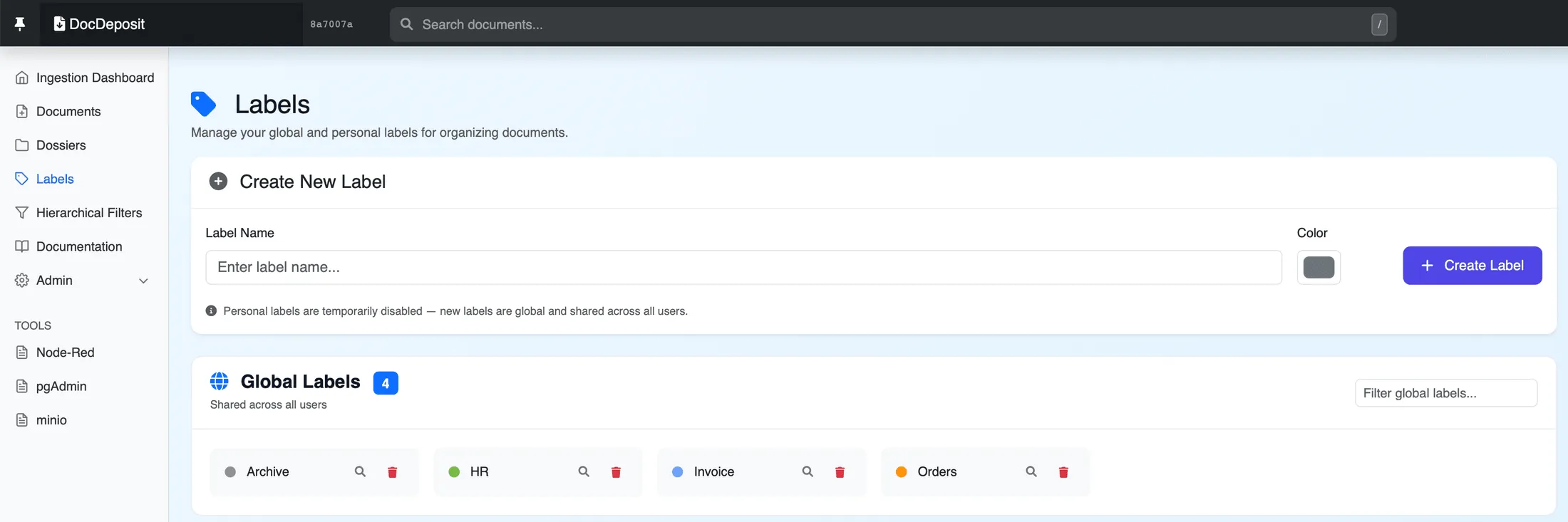
Global labels carry categories and workflow states that apply across the organisation. Alongside them, each person can apply private labels that only they see. That way people can keep their own follow-up list without diluting the shared taxonomy.
vDossiers – bundles without copies
Several existing documents are grouped into a dossier and rendered on demand as a single PDF, with a cover page, a table of contents and an order you choose. No copies are made; the bundle points at the originals and is rendered afresh on each request.
Capture paper with a phone, with no app and no login
The workstation shows a QR code, the phone joins the scan session as a guest and photographs page by page. Pages are deskewed, rotated, ordered and bound into an A4 PDF. Crop and rotation are stored as geometry next to the untouched photo, so they can be corrected later without any loss of quality.
Integrations
Integrations
DocDeposit works with the systems you already run:
- A REST API for searching, creating, reading, downloading and deleting documents
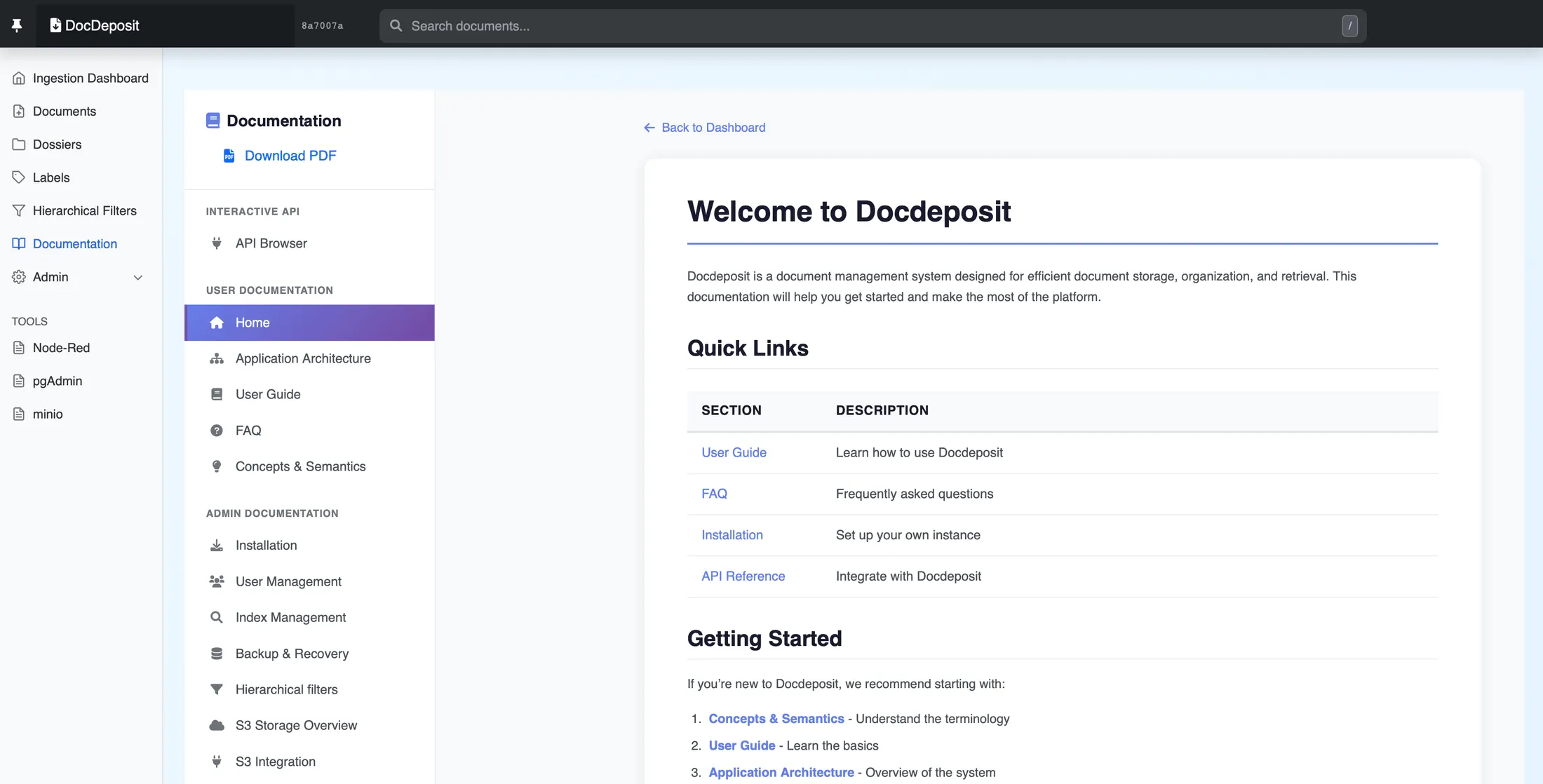
- Interface documentation inside the product, browsable there directly
- Sign-in through OpenID Connect, with directory groups mapped onto roles
- S3 protocol against any compatible storage, such as Minio, AWS S3, Backblaze B2, Ceph or SeaweedFS
- An enrichment interface for your own logic, triggered automatically or by hand
Security
Who sees which documents, and what has happened to them, has to be demonstrable:
- Sign-in through single sign-on; roles come from directory service groups
- API tokens per account, revocable at any time and visible only by their first characters once created
- A checksum per document, so a file’s integrity can be demonstrated afterwards
- A log per document: what happened to it and when, visible in the interface
- Protected base attributes; documents that are part of a dossier cannot be deleted
- Read-only buckets for collections that should no longer change
- Transient scan data is cleaned up on a schedule, as a dedicated job under Kubernetes
Specifications
Specifications
- Deployment
- As a container in your environment, in your own data centre or your cloud
- Sign-in
- Single sign-on through your existing identity service
- Permissions
- Bound to the groups you already have
- Storage
- S3-compatible object storage, self-hosted or with a provider of your choice, with no proprietary archive format
- Interface
- A documented REST API for intake, search and retrieval
- Data
- Stay entirely with you; no outbound connection in operation
- Website
- docdeposit.net