Software
Three products of our own making
A document repository, a web front end for IT operations, and a tool for exchanging files between systems. They grew out of our operations work, and the same people build, maintain and run them.
Overview
Each of these products solves a problem we ran into while running client environments: document collections nobody could search any more, operations tasks that needed shell access every time, and file transfers that only the person who set them up understood. We run all three at clients in the insurance and billing sector and develop them further where operations calls for it.
KMG DocDeposit
Store documents so they stay findable
KMG DocDeposit
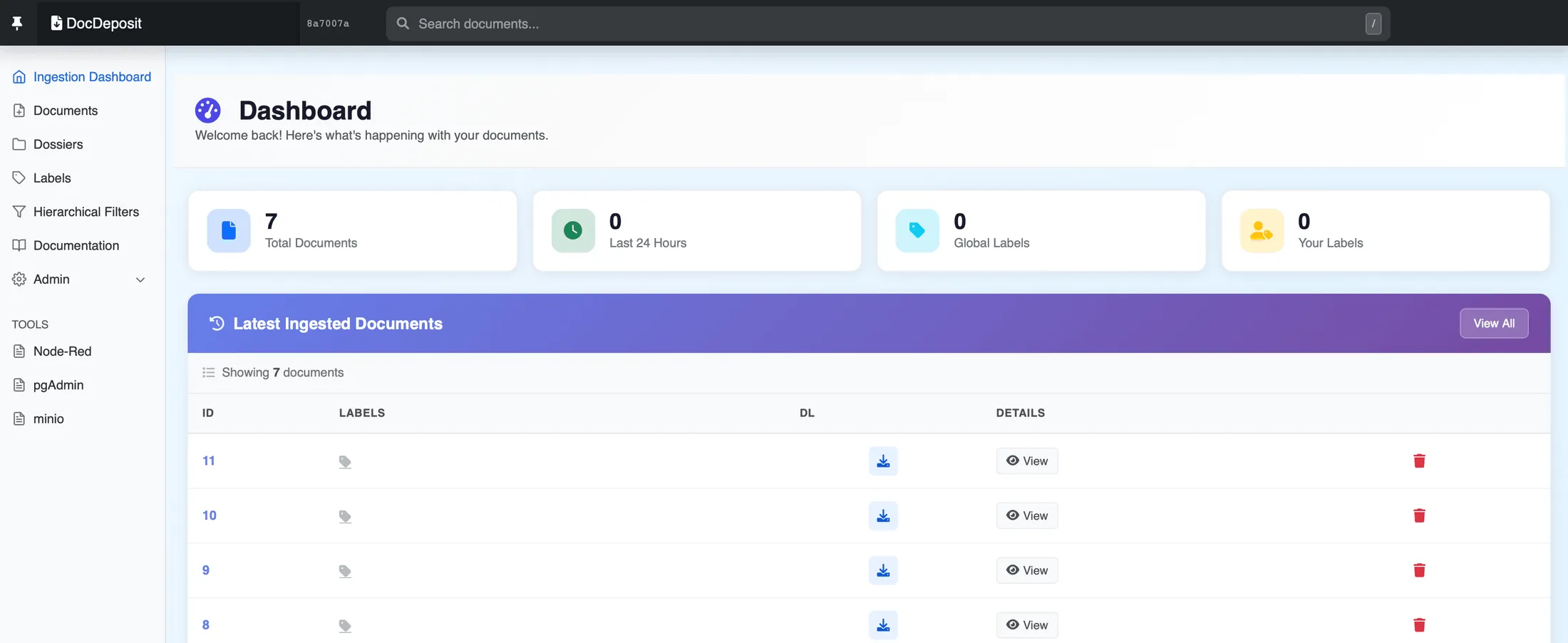
Documents arrive from the browser, a phone camera, watched directories or other systems. DocDeposit indexes them with metadata and full text and stores them as objects in S3 storage, either your own or in the cloud.
- Full-text and attribute search across the whole collection
- Automated intake from directories and through the API
- Several documents as one bundled PDF, without making copies
- Stored in open S3 storage, with no proprietary archive format
KMG Admin GUI
Delegate operations tasks without widening permissions
KMG Admin GUI
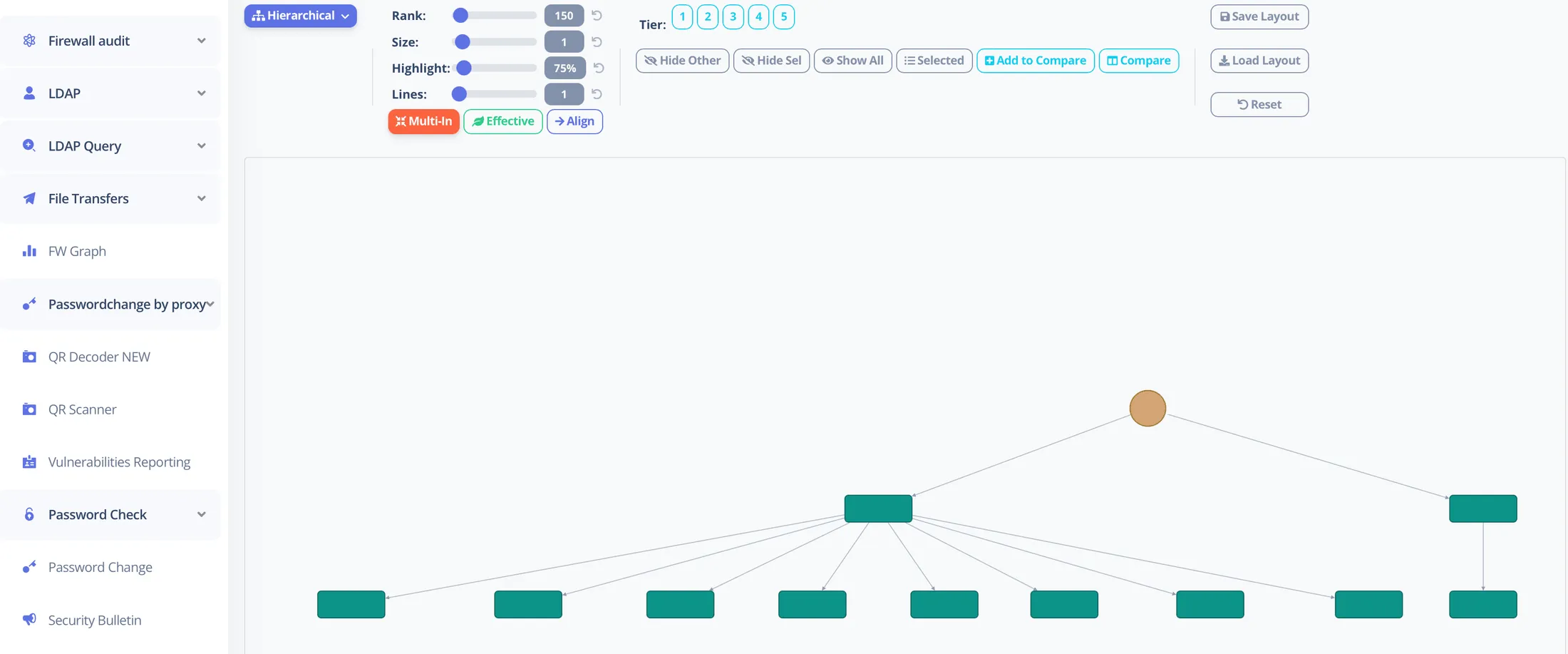
One web front end for querying the directory service, resetting passwords, reviewing firewall rules, analysing file shares and controlling file transfers. Every function is its own module with its own group permission, switched on per installation.
- 18 modules, each switched on per installation
- Query Active Directory, down to nested groups
- A report on who may reset passwords where
- Every function tied to a directory group
KMG MFT
File exchange as a contract, not a script
KMG MFT
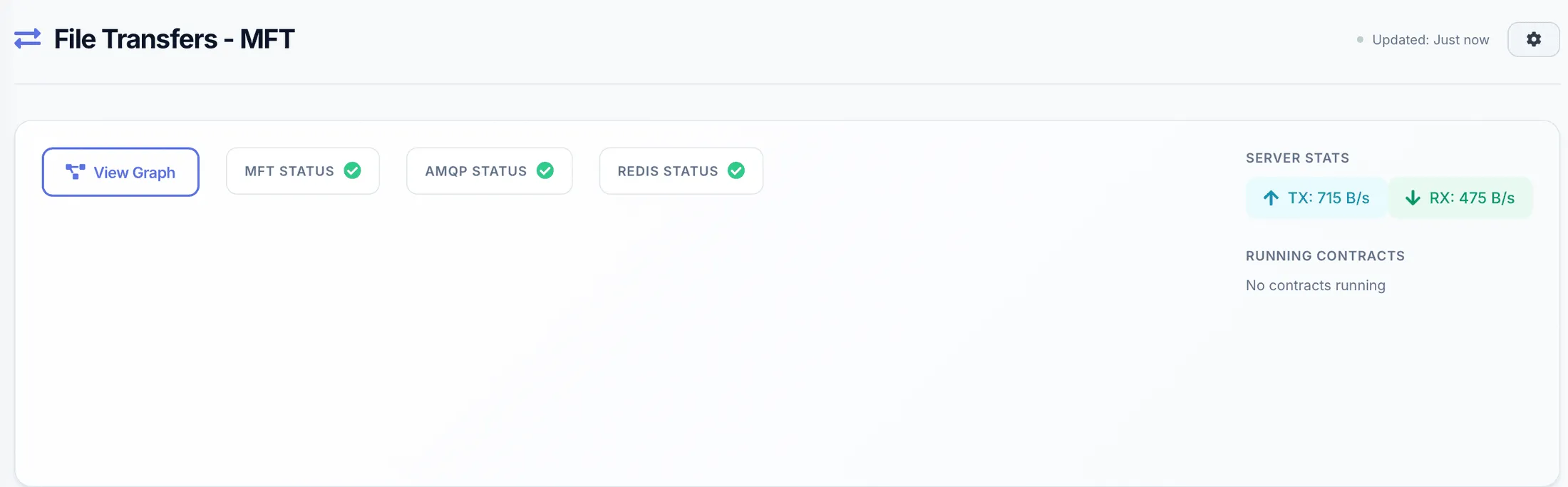
Every file exchange is a contract: source, destination, protocol, file pattern, time windows, monitoring thresholds and permissions in one place. What used to be spread across cron jobs and shell scripts becomes documented, monitored and individually delegable.
- One versioned contract per file exchange
- SFTP, SMB/CIFS and Azure Blob Storage
- Monitoring is part of the contract
- Credentials are kept in a vault
At a glance
What the three have in common
The products solve different problems, but they were built by the same people for the same kind of environment.
One path into operation
All three ship as container images and bring their own installation script: the image writes the script, the script creates a working installation. For Kubernetes, DocDeposit also ships a Helm chart that rolls out the full stack.
Permissions from your directory service
None of the products brings a second user administration you would have to maintain on the side. Authorisation runs through groups in the directory you already have. Whoever leaves the group loses access, without anybody having to remember it.
The documentation ships inside the product
User, administration and developer documentation is served by the running application itself, with a PDF export and a browsable interface description. The documentation therefore matches the installed version, not one that was current at some point.
Two of them fit together
Admin GUI is the web front end for MFT: contract list, configuration, file lists, logs, triggering transfers, statistics. You sign in once; MFT verifies the token issued and applies the per-contract permissions. Both products also run on their own.
Get in touch
A demo with your own systems
We prefer to show the products on a real case: your directory service, your file transfers, your documents. Tell us where things are stuck, and we will look together at whether one of the three can help.